I’m just learning about parts of the computer for self-enrichment.
When it comes to building a computer, there are many different parts to consider. Each of these parts plays a crucial role in the overall functionality of the computer, and it’s important to understand what each one does before you start building. In this blog post, we’ll take a closer look at some of the most important computer parts and what they do.
- Processor (CPU)
The processor, or CPU (Central Processing Unit), is often referred to as the brain of the computer. It is responsible for carrying out all of the instructions that the computer receives from its various components and processes. The CPU’s performance is measured in clock speed, which is typically expressed in gigahertz (GHz). The higher the clock speed, the faster the processor can carry out instructions. CPUs can have multiple cores, which allows them to carry out multiple instructions at the same time.
- Motherboard
The motherboard is the main circuit board of the computer. It connects all of the other components, including the CPU, RAM, and storage devices, and provides power to all of them. The motherboard also contains important components such as the BIOS (Basic Input/Output System), which is responsible for initializing the hardware and starting the operating system.
- Random Access Memory (RAM)
RAM (Random Access Memory) is the temporary storage area that the computer uses to hold data that is currently being processed. It is much faster than the computer’s long-term storage (hard drive or solid-state drive) and is essential for the computer’s overall performance. The amount of RAM that a computer has is measured in gigabytes (GB), and more RAM generally means better performance. However, most computers have a limit to the amount of RAM they can support, so it’s important to check your computer’s specifications before upgrading.
- Storage Devices
The computer’s long-term storage is where it keeps all of its data, including the operating system, programs, and files. There are two main types of storage devices: hard disk drives (HDDs) and solid-state drives (SSDs). HDDs use spinning disks to read and write data, while SSDs use flash memory. SSDs are faster than HDDs and are becoming more common, but they are also more expensive.
- Power Supply Unit (PSU)
The PSU (Power Supply Unit) is responsible for providing power to all of the computer’s components. It converts the AC power from your wall outlet into DC power that your computer can use. PSUs are rated by their wattage, which indicates how much power they can deliver. It’s important to choose a PSU that can provide enough power for all of your components, and also to choose one with high efficiency to reduce energy waste.
- Graphics Card (GPU)
The graphics card, or GPU (Graphics Processing Unit), is responsible for rendering images and video on the computer’s display. GPUs are essential for gaming and other graphically-intensive applications. They can also be used for scientific simulations, machine learning, and other tasks that require large amounts of parallel processing. Like CPUs, GPUs can have multiple cores and are rated by their clock speed.
- Cooling System
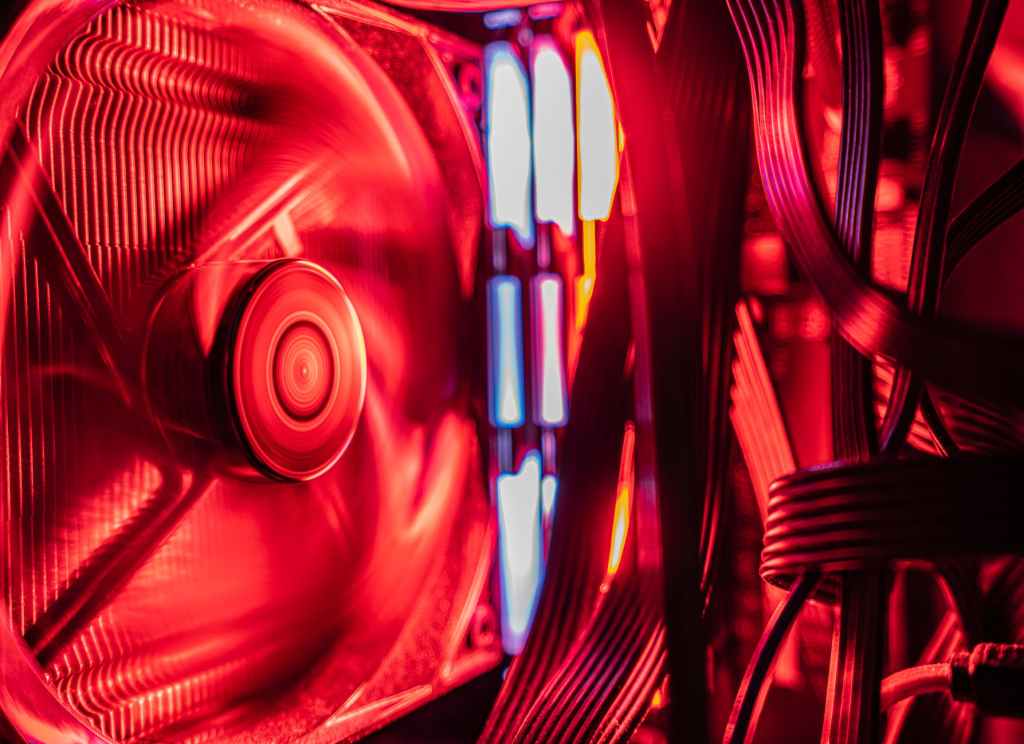
All of the computer’s components generate heat when they are in use, and it’s important to keep them cool to prevent damage and ensure optimal performance. The cooling system typically includes a combination of fans and heat sinks. Fans help to circulate air through the computer case and over the components, while heat sinks absorb heat from the components and dissipate it into the air.
These are not all the parts, but I’m in process of making notes about that.

 Curieous Conspects
U loser and yor «blog» is a piece of sheeeaat
НравитсяНравится